Organizing digital files for academic success
Ever found yourself in that frantic, heart-pounding scramble ten minutes before class, desperately digging through a digital haystack for that one essay you swore you’d saved as “F...
Ever found yourself in that frantic, heart-pounding scramble ten minutes before class, desperately digging through a digital haystack for that one essay you swore you’d saved as “Final_Draft_v3_ACTUALLY_FINAL.pdf”? You’re not alone. I’ve been there—sweaty palms, a sinking feeling in my stomach, and the growing certainty that my academic life was about to implode over a misplaced file.
It happened during my second year of grad school. I had a major research proposal due, and despite working on it for weeks, I’d saved iterations everywhere: Downloads, Desktop, a folder named “Stuff,” another mysteriously called “New Folder (2).” When it came time to submit, I couldn’t find the right version. I ended up submitting an early draft full of half-baked ideas and placeholder text. My professor’s feedback was… blunt. That was the day I realized that disorganization wasn’t just messy—it was sabotaging my success.
Sound familiar? If you’ve ever lost precious time, momentum, or even grades because your digital space is chaos, you’re in the right place. Organizing your files isn’t about being obsessively tidy; it’s about building a study system that supports you, reduces stress, and lets your brain focus on what actually matters: learning.
Why Your Digital Closet Matters More Than You Think
We often treat our digital spaces like junk drawers—out of sight, out of mind. But every time you spend 15 minutes looking for a lecture note or can’t locate the reading you need, you’re not just wasting time. You’re breaking your focus, heightening your stress, and making it harder to get into a state of flow. Cognitive research shows that clutter—whether physical or digital—increases cognitive load, meaning your brain has to work harder to process simple tasks.
I remember talking to a friend, Sam, a high school science teacher. He told me about the week he decided to reorganize his shared drive for his students. Before, his unit on ecosystems was scattered across poorly named files: “bio_notes1,” “ecosystem_final.pptx,” “thingstodiscuss.doc.” His students were constantly confused, and he’d get emails at all hours asking for the “right” slides. After he spent one afternoon creating a clear folder structure with logical names and dates, something shifted. Not only did he stop getting panicked emails, but his students started performing better on quizzes. They could actually find the resources to review. The simple act of organization had removed a barrier to their learning.
This is the secret no one tells you: good file management is a learning method in itself. It’s the silent partner to your how-to study routine.
Building Your System: A Step-by-Step Guide That Actually Works
You might be thinking, “Okay, I’m convinced. But where do I even start?” The goal isn’t to create a perfect, complex system overnight. The goal is to create something that is logical, consistent, and works for you. Let’s break it down into a manageable process.
First, embrace the “blank slate” method. Find a quiet hour, open your Documents or Drive, and be brutally honest. Do you really need three versions of the same syllabus from 2019? Probably not. Start by archiving or deleting everything you no longer need. This isn’t just digital cleaning; it’s mental decluttering.
Next, think in broad categories. Are you a student? Your main folders might be by semester, then by course. For example:
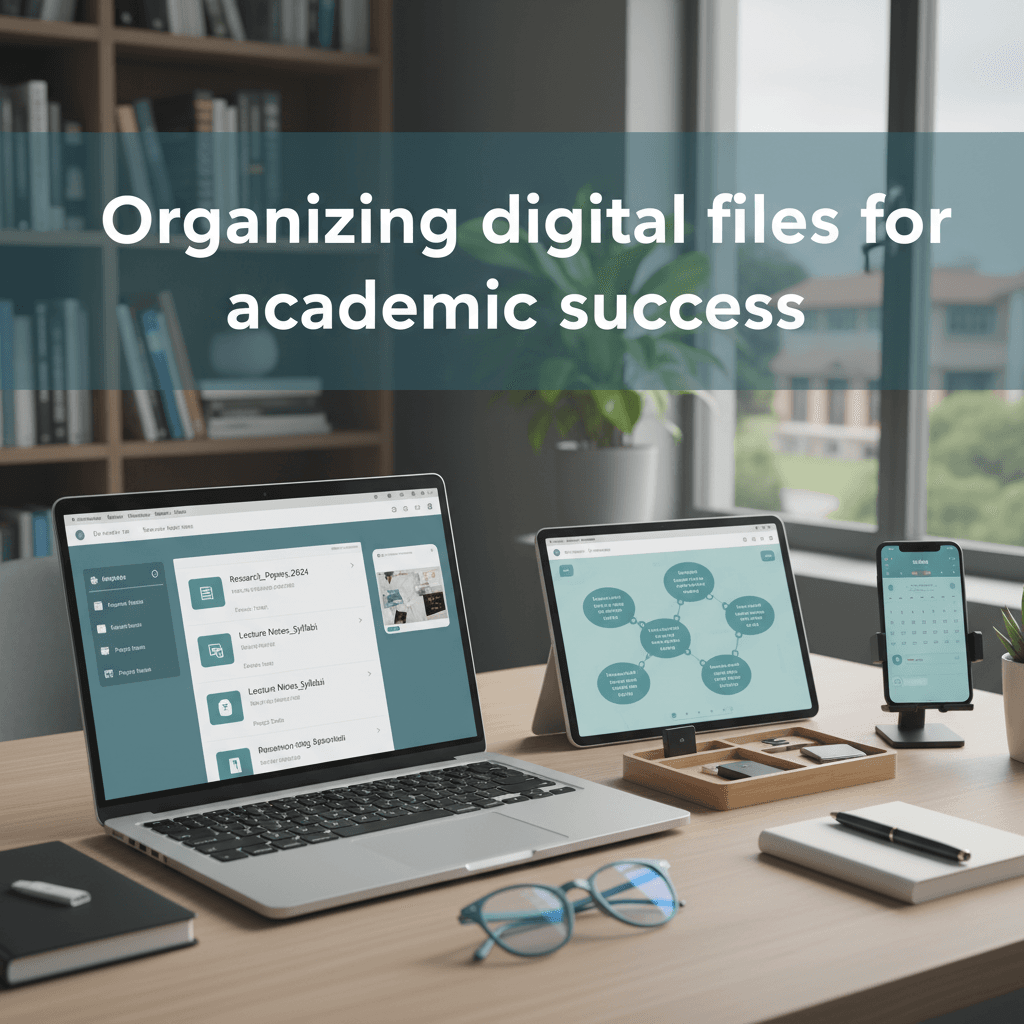
Fall 2024 > Biology 101 > Lectures, Assignments, Readings, Research
Are you an educator? Your structure could be by school year, then by class period or unit.
2024-2025 School Year > Period 3 - American History > Unit 2 - Civil War, Unit 3 - Reconstruction
The magic is in the naming convention. This is the most important takeaway. Always name your files with a clear purpose and a date. Instead of Essay.docx, try ENG102_Essay1_Thesis_Draft_20241015.docx. This simple act means you can glance at a file and know exactly what it is, for which class, and how recent it is. Searching becomes instantaneous.
This is also where tools like QuizSmart can seamlessly fit into your workflow. Imagine finishing a set of academic tutorials on cognitive psychology. Instead of just saving your notes as “psych_notes.txt,” you could create a folder named Psych101_Week5_Memory and store your notes, the tutorial videos, and even a link to your QuizSmart study set for that topic all in one place. It turns a scattered mess into a curated knowledge hub.
Real-World Application: From Chaos to Clarity
Let’s make this real with Maria’s story. Maria is a college junior double-majoring in history and political science. Her digital life was a nightmare. Her desktop was a mosaic of hundreds of icons, and her Downloads folder was a black hole. She’d given up on finding things and had started re-downloading readings or asking friends to email her slides—a huge waste of everyone’s time.
Her breaking point came during midterms. She had two research papers and three exams in one week. The stress of not being able to find her sources and annotated bibliographies pushed her over the edge. She knew she had to change.
She dedicated one Sunday to the step-by-step guide we just discussed. She deleted gigabytes of old files. She created a master folder for the semester, with subfolders for each class. Inside each class folder, she had consistent subfolders: Readings, Lectures, Assignments, Research. She then spent an hour renaming every single file using her new naming convention.
The result? The very next week, she started her political theory paper. Instead of a two-hour hunt for sources, she went straight to PolTheory > Research > Rawls_Notes_20240922.docx and found her annotated thoughts immediately. She estimated she saved over ten hours that week alone. The reduction in her anxiety was even more valuable. She wasn’t just organized; she was in control. Her study system was finally working for her, not against her.
Your Digital Space, Your Sanity
Organizing your digital files might seem like a mundane chore, a distraction from the “real” work of studying or teaching. But I’d argue it’s some of the most important work you can do. It’s the foundation upon which effective learning is built. It’s what clears the deck so you can engage deeply with material, develop better learning methods, and ultimately, achieve what you set out to do without the unnecessary drama of lost work.
You don’t need a perfect system. You just need a functional one. Start small. Pick one class or one project. Clean it up, give it a logical home, and see how it feels. That little hit of satisfaction you get from finding something instantly? That’s what academic success feels like—one less obstacle between you and your goals.
Your future self, calmly preparing for finals without a hint of panic, will thank you for it. Now, go open that downloads folder. You’ve got this.